1
Export audio
Open your sequence in Premiere and click Export Audio in the CaptionOx panel. One click — no leaving your editor.
ONE-TIME PAYMENT • NO SUBSCRIPTION
Word-by-word highlighted captions — the style that makes Reels and Shorts impossible to scroll past — generated locally inside Premiere Pro. Works offline, handles Hindi, Hinglish and 90+ languages, and costs one payment. Ever.
Launch price $29 (regular $39) · Windows + Mac · Premiere Pro 2021+

Real CaptionOx output — every word lights up as it's spoken.
No exporting to a website, no uploading your footage, no monthly credits. Everything happens inside Premiere.
Open your sequence in Premiere and click Export Audio in the CaptionOx panel. One click — no leaving your editor.
Pick a model and language (Auto handles mixed Hindi-English), choose a style preset, and click Generate. Transcription runs on your own computer with Whisper AI.
Fix any word in the transcript editor, then click Add Captions to Timeline. Every word highlights at the exact moment it's spoken.
This is real output from the CaptionOx engine — no mockup. Each word highlights at the exact moment it is spoken.
Sample: the Hormozi preset on a speech clip (1280×720).
Start from a preset, then make it yours — font size, colours, words per line and highlight style are all yours to change.

Big, bold, UPPERCASE white text; the spoken word gets a bright yellow box. The classic business-Reels look.
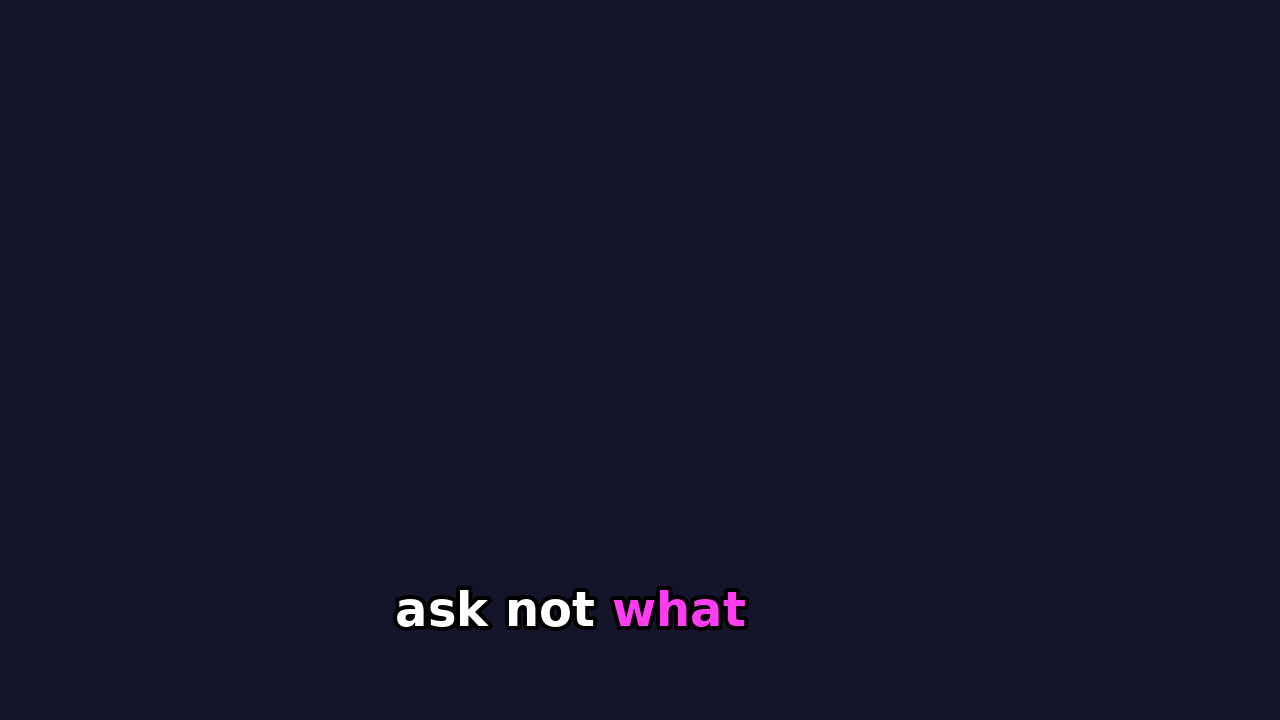
The spoken word turns pink, sentence case, friendly and playful. Great for creators and social clips.
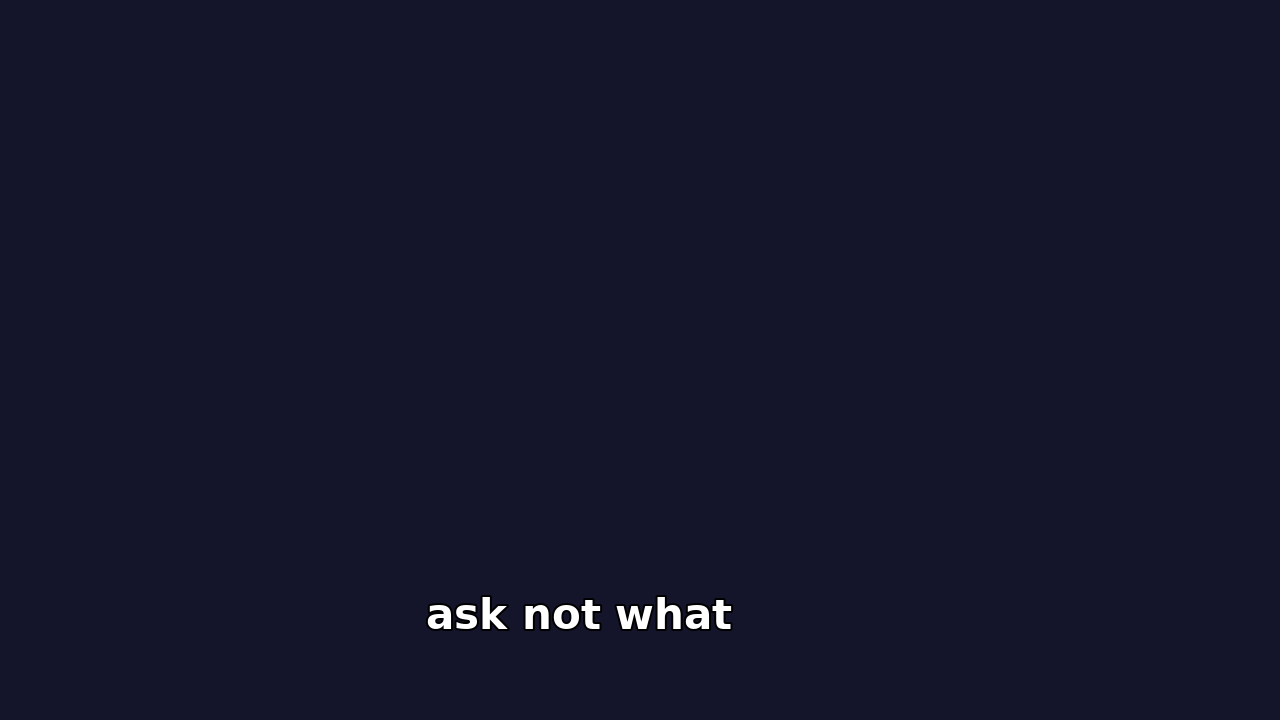
Quiet, minimal white captions with no highlight colour. For films, weddings and corporate work.
The highlight pops from word to word, timed from the actual speech — the Reels/Shorts style that keeps viewers watching.
Hormozi, Karaoke Pop and Clean White built in — plus your own font size, colours, words per line, highlight style and bottom margin.
Wrong word? Edit the line in the panel and re-render just that line. No regenerating the whole video.
Transcription runs on your machine. Nothing is uploaded, there are no per-minute charges, and it works fully offline after a one-time model download.
Built for mixed-language speech. Set language to Auto and pick the Small or Medium model for the best Hinglish results.
Every run also saves a standard captions.srt for Premiere's native caption track. One license covers 2 of your computers, Windows or Mac.
Subscription caption plugins cost almost CaptionOx's entire price every month. Competitor prices checked October 2026.
| CaptionOx | FireCut | AutoCut | Budget one-time tools | |
|---|---|---|---|---|
| Price | $29 one-time | $34 / month | ~$15–20 / month | $14.99–24.99 one-time |
| Cost in the first year | $29, forever | $240 | ~$180–240 | $14.99–24.99 |
| Works offline / local transcription | Yes — Whisper on your machine | No — cloud | No — cloud | Varies |
| Hindi / Hinglish focus | Yes — built for it | Generic | Generic | Generic |
| Lives inside Premiere Pro | Yes — panel + timeline | Yes | Yes | Varies |
LAUNCH PRICE
$29$39one-time
Full details on the pricing page.
Yes. Pay once, use CaptionOx forever. All 1.x updates are included. There is no subscription and nothing that expires.
Yes. Activation and the one-time speech-model download (about 150 MB for the default model) need the internet once. After that, everything — including transcription — runs locally on your computer, offline.
Dozens, via the Whisper speech model: English, Hindi (including Hinglish mixed speech — use the Small or Medium model), Spanish, French, German, Japanese, Korean, Portuguese and more. Leave the language on Auto and it detects it for you.
Premiere Pro 2021 or newer, on Windows 10/11 (64-bit) or macOS 12 or newer — with separate installers for Apple Silicon (M1/M2/M3/M4) and Intel Macs.
Two of your own computers with one license — for example a desktop and a laptop, Windows or Mac in any mix. Deactivate from the panel footer to move to a new machine.
Never. Transcription happens on your computer. The only thing that leaves your machine is the license check.
Email support — most problems are fixed quickly. If we can't get it working on your system, the 14-day money-back guarantee covers you, no questions asked.
No. The installer includes everything CaptionOx needs. No Python, no extra tools, no technical setup — install, open Premiere, paste your license key, and caption.
Something else? Email support@captionox.com
Get CaptionOx once, and every video you ever edit gets animated captions — offline, private, and never on a subscription again.
Buy CaptionOx — $2914-day money-back guarantee · Works on 2 computers